Individuals
Record identification and contact information, with scanning to help fill in the details.
THE PATROL STANDARD · FIELD NOTEBOOK
Capture the details while they’re fresh. Keep incident information, individuals, vehicles, photos, and narrative together—then create a PDF when you’re ready.
Free. No advertisements. No in-app purchases.
Open in your phone’s browser, then add it to your Home Screen.
How to set it up on your phone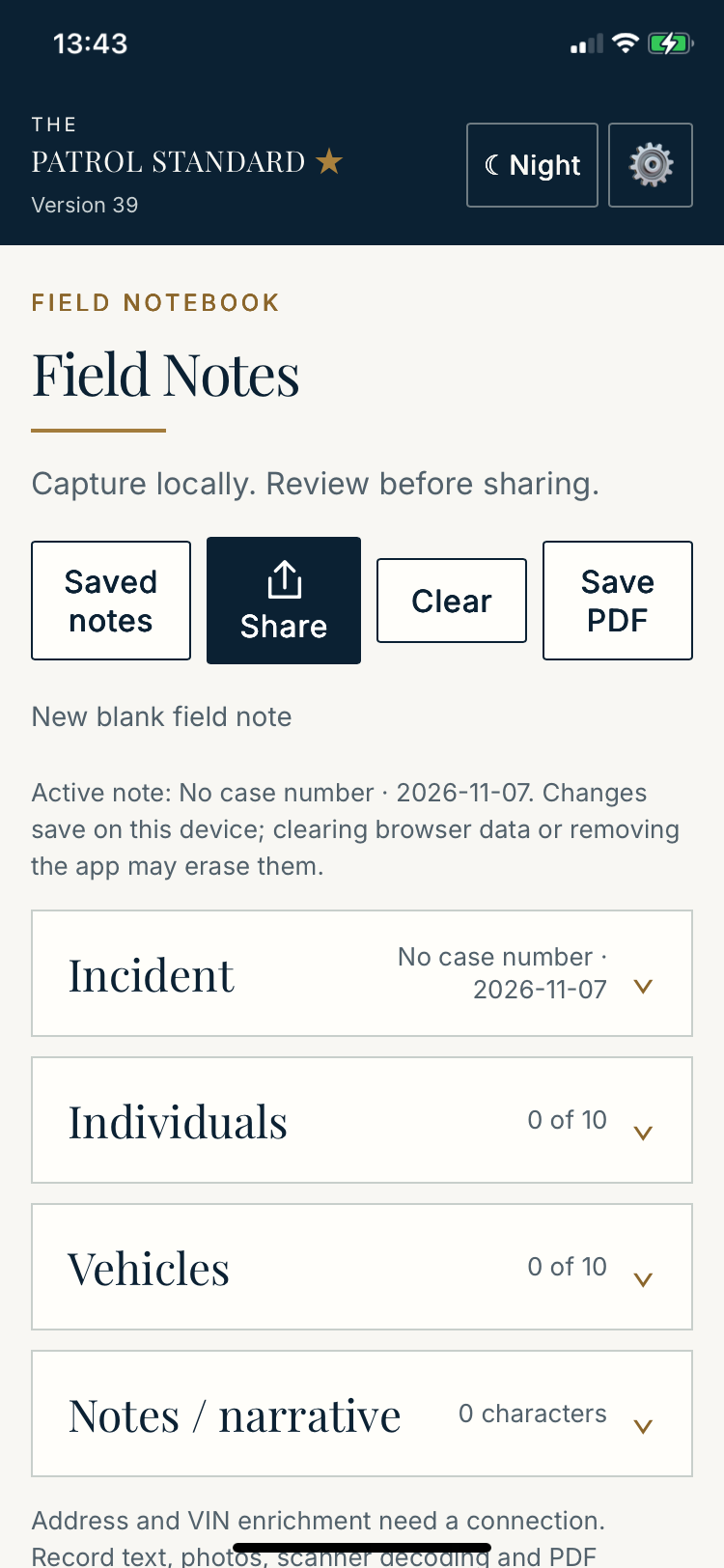
YOUR NOTES STAY WITH YOU
We do not collect your personal information or the information you enter into Field Notes. Your notes are stored locally on your device. We will never sell your information.
Address searches, location lookups, and VIN lookups use publicly available sources: address lookup services (Esri and the U.S. Census Bureau) and NHTSA vehicle data. When you use these features, the address, requested location, or VIN is sent to the relevant service to return results. These lookups require an internet connection.
This describes the Field Notes app. For this website’s subscription forms and visitor measurement, see our website privacy policy.
SEE FIELD NOTES IN ACTION
See how to scan IDs and VINs, capture field information, and save or share a PDF.
FROM THE SCENE TO YOUR REPORT
Record identification and contact information, with scanning to help fill in the details.
Capture VINs, look up vehicle information, and associate drivers, owners, and passengers.
Add your narrative and photos. Review the information, then save or share your field notes as a PDF.
READY ON YOUR PHONE
Open the app first. Add the app itself, rather than this information page.
Open Field Notes in Safari. Tap Share, choose Add to Home Screen, then tap Add.
Open Field Notes in Chrome. Open the browser menu and choose Add to Home screen or Install app, then follow the prompts.
Save or share PDFs you need to retain. Clearing browser data or removing the app may erase locally saved notes. Always review scanned and lookup information for accuracy.
Open Field Notes